Have you ever had one of those moments where you just get super mad and wish things were not so complicated?
I had one of those moments.
I want to tell you about the most complicated thing I have ever done to avoid pushing a vacuum around by hand.
The app wanted me to log in
The task was: clean my office. One room. Not the whole house.
I own a robot vacuum for exactly this class of problem. It's a Roborock S7, four years old, still perfectly decent at its job. I opened the app to press the button.
The app wanted me to log in.
Fine. Sessions expire. I logged in again, and the robot was gone from my account. Also fine. I started the pairing process over, the setup wizard asked me to connect the robot to my Wi-Fi, and the robot declined.
It declined through everything I tried. I deleted the app and reinstalled it. I reset the robot. I restarted the router. I did some voodoo in the middle, the details of which I will not disclose. By the end of the ritual, the score was app: 1, me: 0.
Somewhere around the router’s third reboot, the useful thought arrived. If this was annoying me, it had annoyed someone with more patience first, and that someone had probably already built the alternative.
After some research, there it was: Valetudo.
Valetudo (made by Sören Beye) is a cloud replacement for vacuum robots enabling local-only operation. No account. No app. No server on another continent holding a centimeter accurate map of my house and deciding, on any given morning, whether my vacuum should work or not.
You will be in control of your own robot.
No one else will.
Part 1: It’s never easy
You see, Valetudo has a list of compatible robots that can use it and there are several ways to install it. Some robots you just use OTA (over the air updates) method requiring no disassembly nor attaching any cables and for others you literally have to take the entire robot apart until you reach the circuits to solder jump wires to the PCB board to get access to the bootloader.
Guess which one I got.
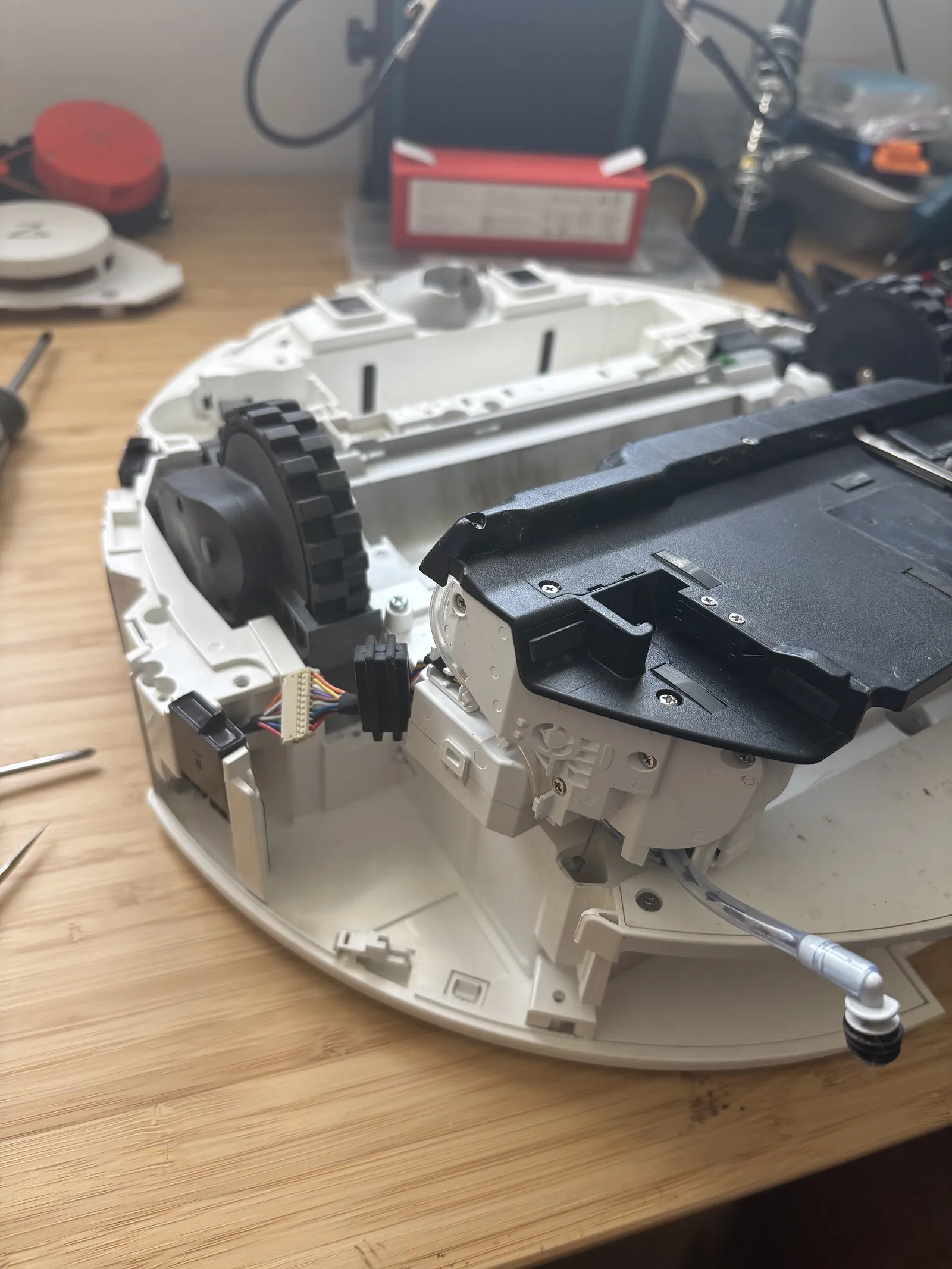
The S7 is the second kind. The method is called FEL rooting, and the first step is "completely disassemble the robot," a phrase the documentation means with total sincerity. Top shell off. LiDAR turret off. Second shell off. Battery out. A dozen ribbon cables thinner than a fingernail, until you reach the mainboard at the very bottom, sitting under every other component like the last pringle in the can.
Part 2: Hacking it
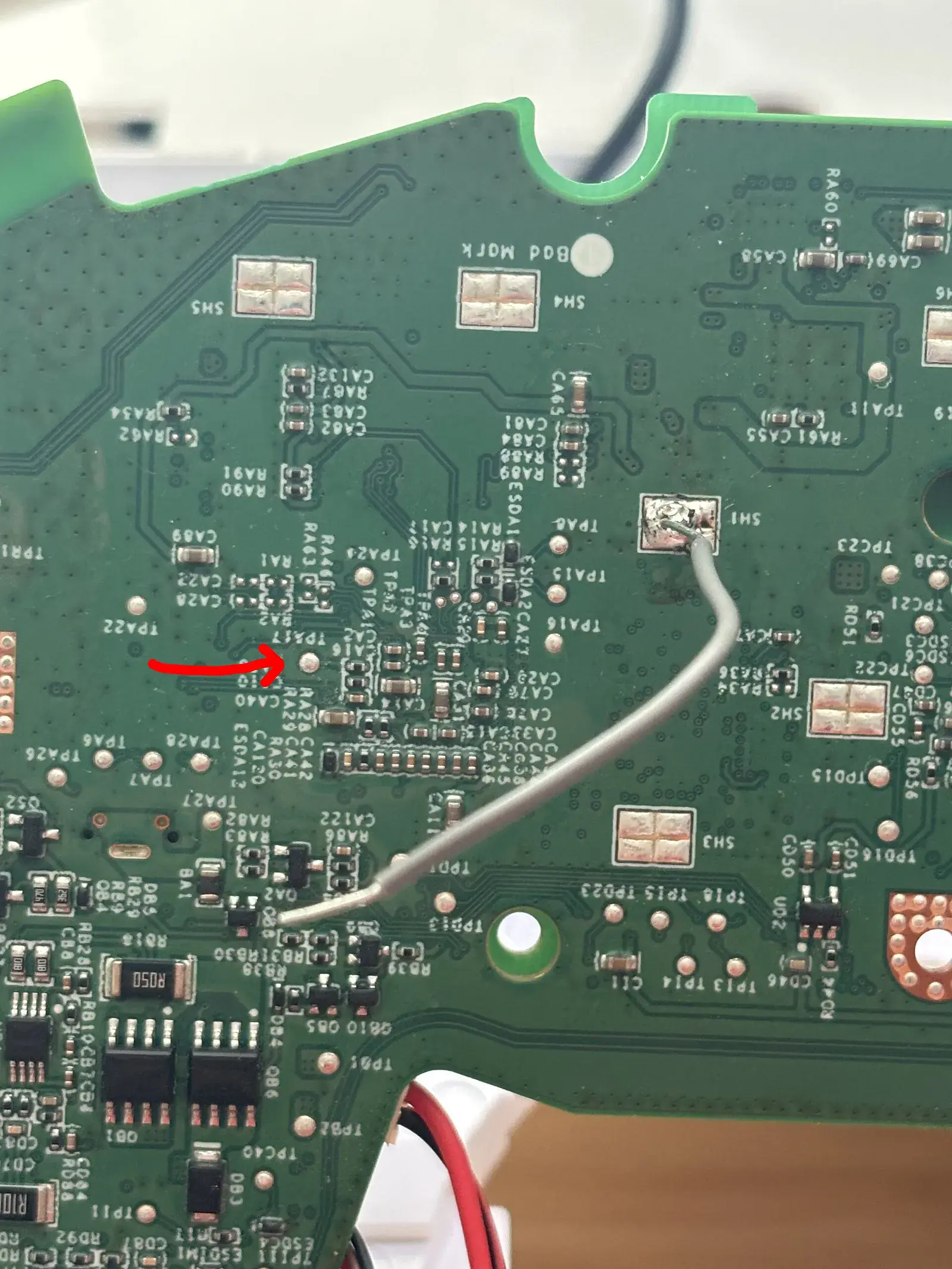
Once you reach the PCB you can see the TPA17 and GND SH1 pads on the board. The rooting process works by shorting the two at exactly the right moment. Neither is a port. Neither has a connector. They are bare metal pads about the size of a grain of rice, and the intended tool is your hand.
Since I was alone and didn’t want to mess it up (like touching another part of the board with the wire’s loose ends), I decided to solder one terminal of the jumper wire to the SH1 GND and then use my hands just to operate the TPA17.
This way I know that I could be safe from accidentally disconnecting the jumper wire from GND and I only had to worry with TPA17.
I won't post all the necessary steps to reach the bootloader because that’s in the docs but this is the line that matters:
“Press the power button for 3 seconds and keep the TPA17 connected to GND for 5 more seconds after that.”
Do it right, and the robot appears on your laptop’s USB bus as Allwinner Technology sunxi SoC OTG connector in FEL/flashing mode.
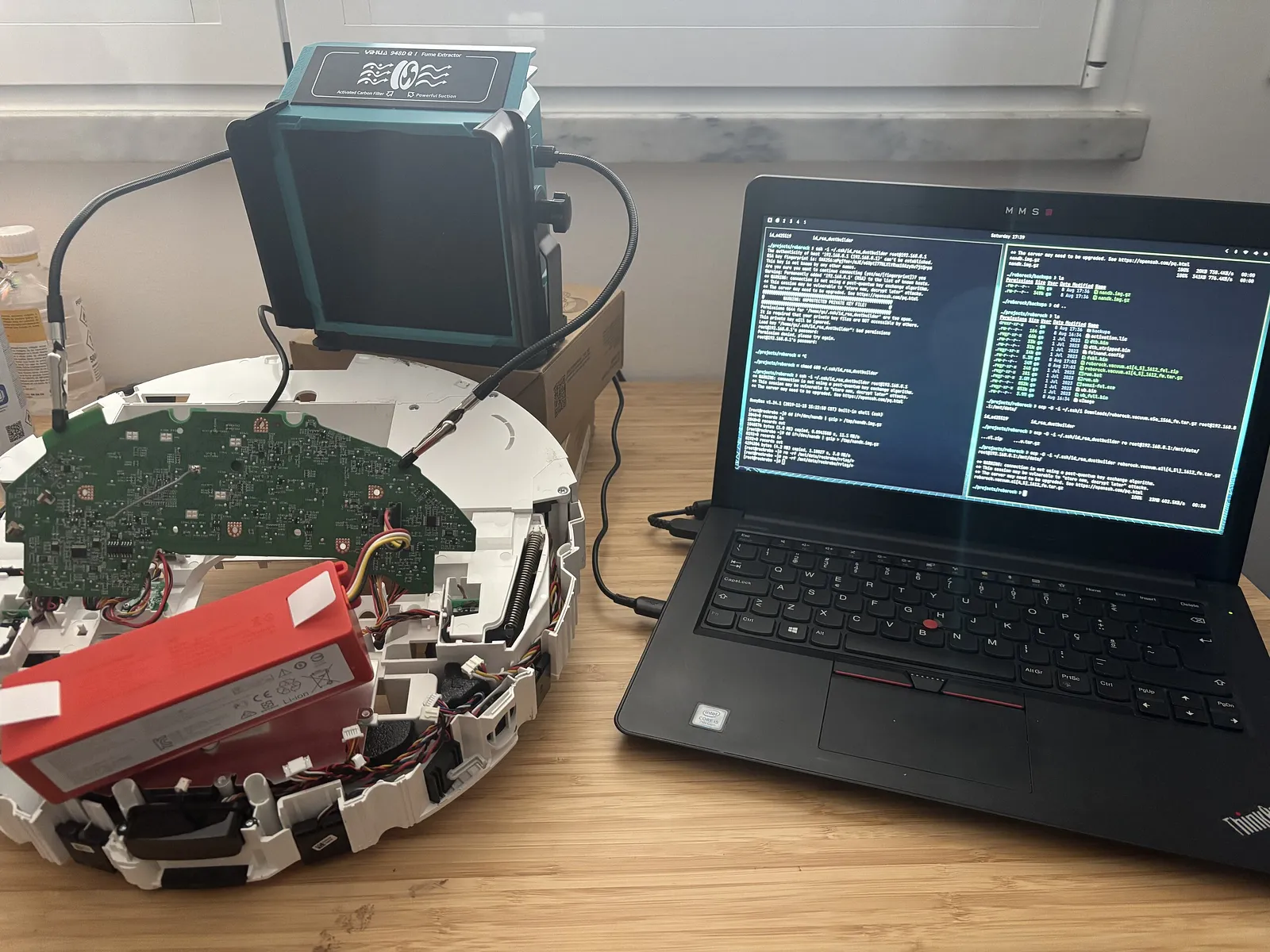
After rebooting several times and sending a lot of files between my laptop and the robot, if all went ok after the robot has rebooted, connect to the robot’s own Wi-Fi AP, wait for a minute or two and then open the Valetudo Web interface in your browser to connect the robot to your Wi-Fi network.
For that, just browse to http://192.168.8.1, and voilá you are inside your robot.
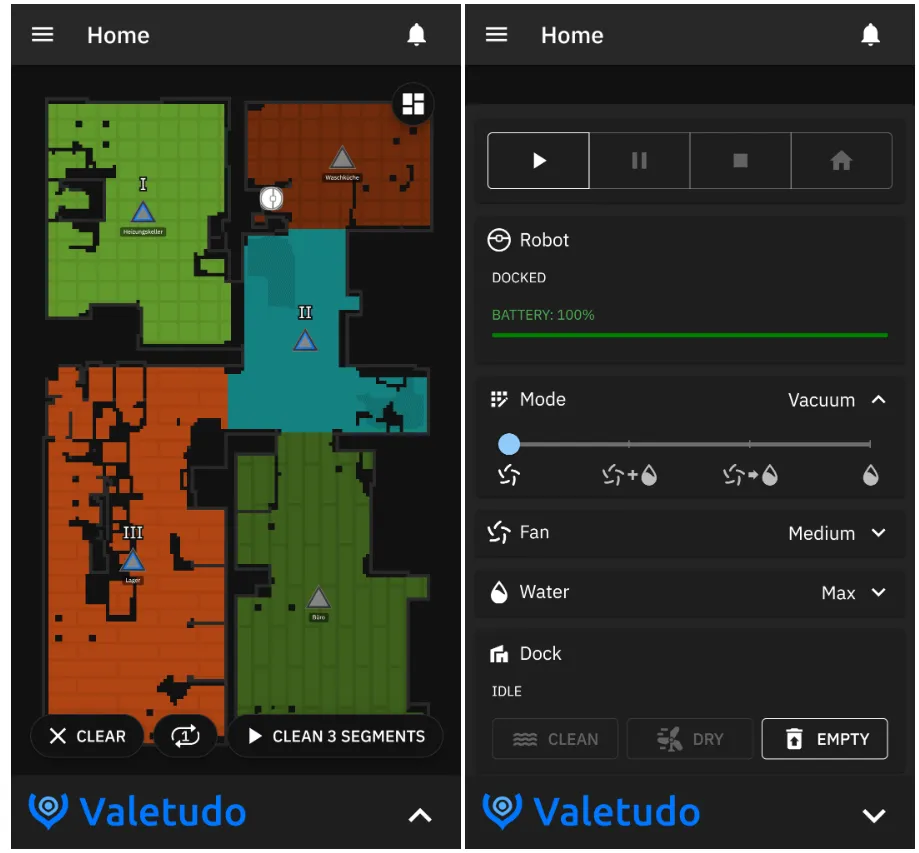
This is the point where you have full control of your robot with no need for an app or a company telling you what to do.
Now you control the robot, not the other way around.
With that done, I had to reassemble the robot and that was a pain, not gonna lie.
Part 3: Valetudo, mas vale mesmo tudo!
Now that you can control your robot you can literally do things like change its voice, schedule times, lower the volume of the voice commands (which I did because the lady is annoying) and even control it like it’s an RC car!
There a lot more things you can do now with Valetudo since you now have full control of your robot vacuum cleaner, but truth be told I just wanted to clean the office and that’s what I did next!
Freedom to do what you want with your own stuff
It seems that every day there is a new app and a new subscription service for you to pay to be able to access all the features that the hardware that you bought is capable of. It’s tiring. Why can’t we just fully use what we already paid for? Why do we need to be locked out from so many features on the software or hardware that we use?
Subscriptions are a good source of recurring revenue for companies and I understand that and sometimes there are some subscriptions that are truly useful.
But when a 4 year old vacuum needs permission from a server on another continent to clean one room, something is off. If everything needs an account and a monthly fee just to function, do you own your stuff,
or are you just predictable revenue for someone else?
My S7 is cleaning the office now.
GS